Guide
What is a multilingual online menu?
A multilingual online menu is the method of offering your ordering page and menu content in multiple languages; it lets tourists, foreign and diaspora customers order in their own language.
Short answer
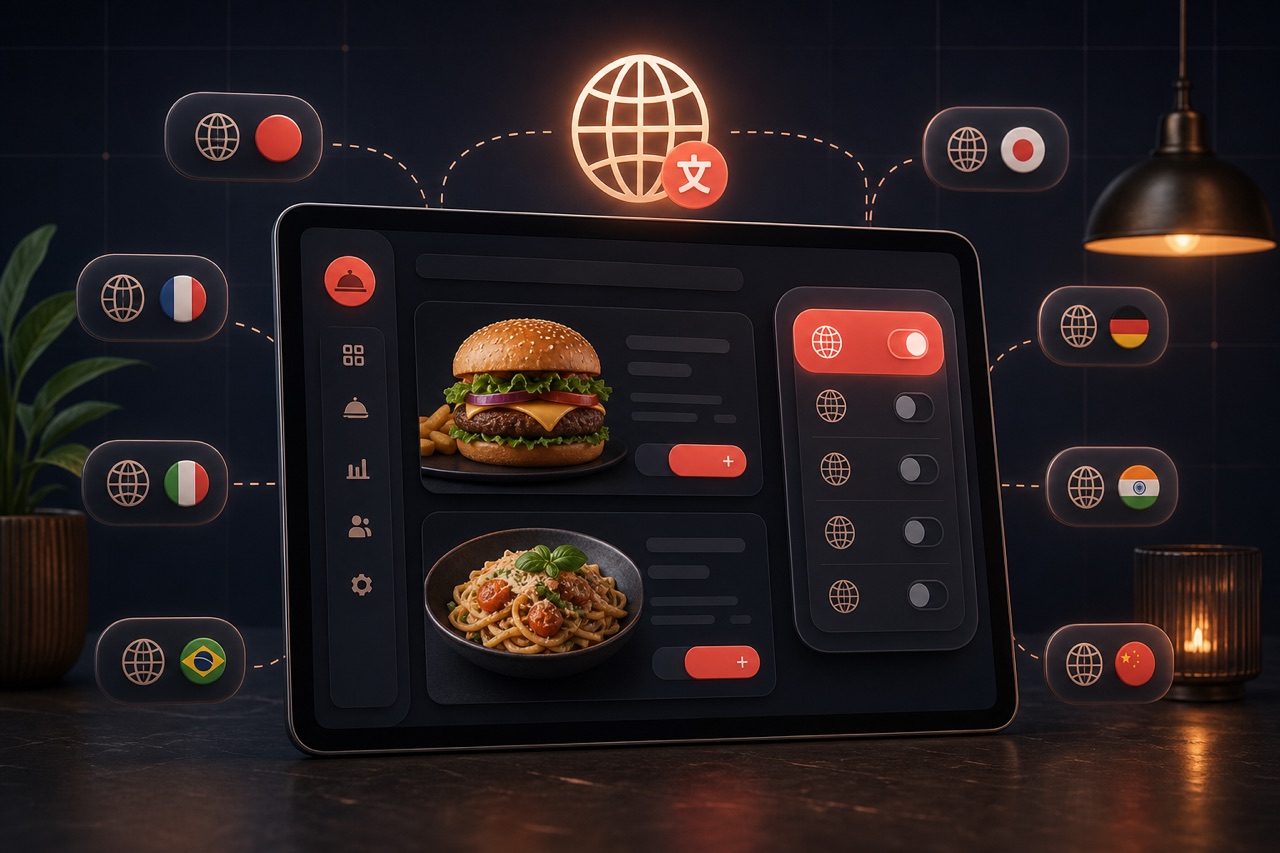
A multilingual online menu is the publishing of your product, category and campaign content in multiple languages. In Yededoy a business enables more than one language; it can edit menu content separately for each language or translate everything in bulk with AI-assisted translation, then review and publish the result. On the ordering page the customer picks their language; the interface and menu appear in that language.
Definition
A multilingual menu means storing the name and description of the same product in different languages. Content such as menus, categories, campaigns and option templates carry language-based fields, so a single product yields a consistent appearance across multiple languages.
You can translate manually or take advantage of AI-assisted translation. AI translation quickly translates the source text into the target languages; since the result is editable, you can refine cuisine-specific terms with a final check. The translation feature can be used once at least two languages are enabled for the business.
How does it work?
A multilingual menu is typically set up like this:
- You enable the languages you want to offer for the business and set a default language.
- You enter the equivalent of each product, category, campaign and option template in every language.
- If you like, you translate content in bulk with AI-assisted translation, then review and correct the target-language text.
- On the ordering page the customer picks their language; the menu, interface and campaigns are displayed in that language.
- When you add a new product, you only fill in the missing languages, keeping the menu current in all languages.
Benefits
Offering the menu in the customer's language boosts both conversion and trust.
Wider audience
Tourists, foreign and diaspora customers can order comfortably in their own language.
Fewer mistakes
The customer understands the product correctly; the risk of wrong orders and returns drops.
Fast setup
AI-assisted translation dramatically shortens the time needed to prepare a multilingual menu.
Consistent brand
Because all languages are managed from a single panel, menus and campaigns stay consistent across languages.
Technical components of a multilingual menu
A multilingual online menu is built from these parts working together:
Language and localization
Item names, descriptions and categories translated per language but managed from a single source.
Automatic language detection
Showing the visitor the right default language based on browser language or location.
Currency and format
Presenting prices with the correct local currency, number and date format.
SEO and hreflang
Hreflang tags so each language version is indexed correctly in search engines.
Content sync
When a price or item changes, all languages stay current from one panel.
Allergen and label translation
Consistent display of allergen, dietary (vegan/gluten-free) and ingredient labels in every language.
Related technical guides: digital menu, AI menu import, menu engineering.
Best practices
To get the most from a multilingual menu:
- Identify your target audience and only enable the languages you truly need.
- Treat AI translation as a draft; correct menu names and special terms with a final read.
- Make sure critical information like price, allergens and portion size is correct in every language.
- Fill in missing languages immediately for new products and campaigns so no gaps remain.
- Choose the default language based on the language most of your customers speak.
Related guides and solutions
Frequently asked questions
- Which content can be multilingual?
Products, categories, campaigns and product option templates carry language-based fields, so the entire menu and campaign text can be published in multiple languages.
- Is the AI translation ready to use, or do I need to correct it?
AI translation produces a quick draft. Since the result is editable, it's recommended that you give it a final read and correct it where needed, especially for dish names and special terms.
- How does the customer choose the language?
The customer can select their language on the ordering page; the interface and menu are displayed in that language. The default language you set is used at the first load.
- Is there a prerequisite for a multilingual menu?
AI-assisted translation can be used when at least two languages are enabled for the business. You can also create a multilingual menu at any time by entering translations manually.
Summary
A multilingual online menu is about publishing your products, categories and campaigns in multiple languages. You can enter the content manually or translate and edit it quickly with AI-assisted translation. The customer orders in their own language, which delivers a wider audience, fewer mistakes and a stronger brand experience.
Get started
Contact us about an online ordering solution for your business and start taking orders on your own channel with Yededoy.