
Comparison
QR menu vs printed menu
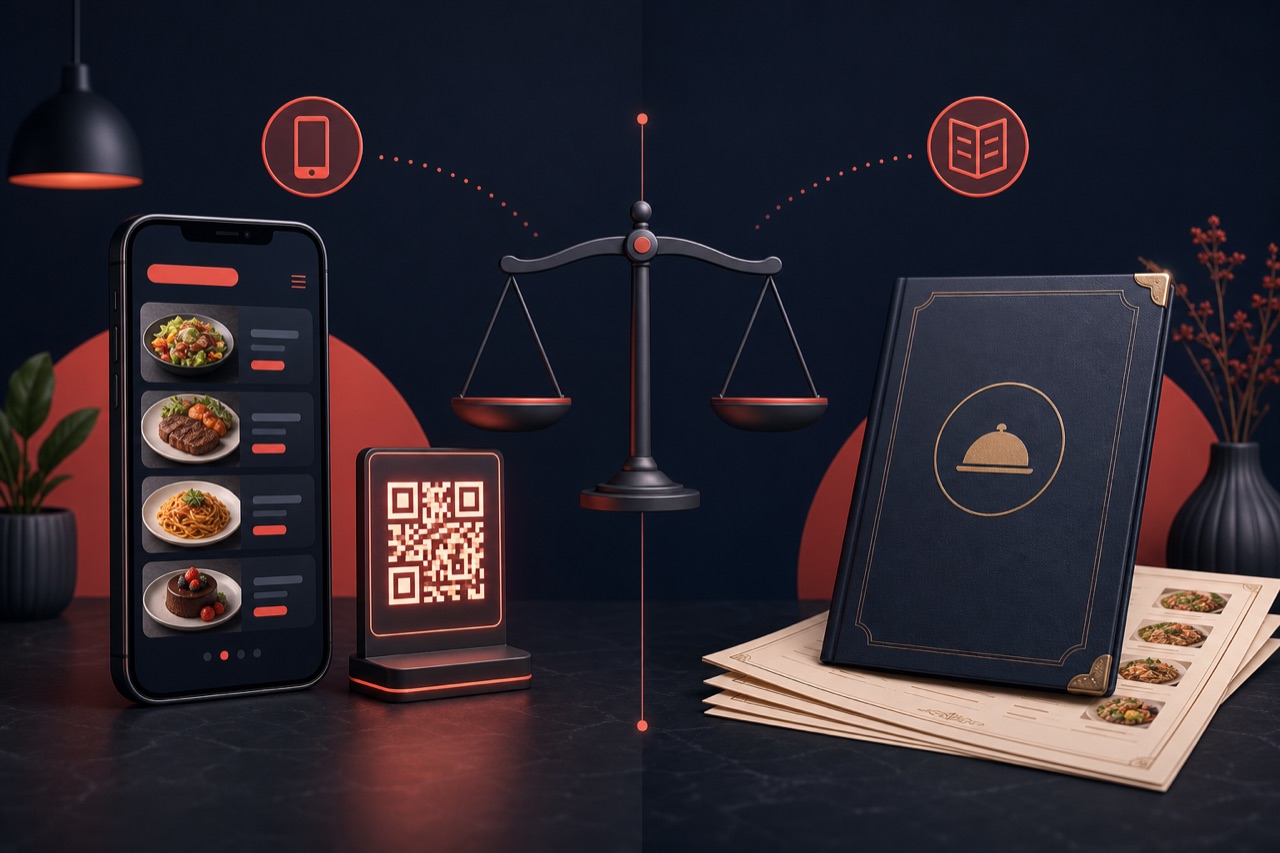
A QR menu updates instantly and adds ordering and analytics; a printed menu gives a physical feel and works without internet. We compare them fairly and show when each fits.
Short answer
A QR menu is a solution where the customer scans a code at the table with their phone to view the digital menu (and often order and pay); it updates instantly, offers multiple languages and photos, and produces view data. A printed menu is a physical product: it needs no internet and gives a tactile brand experience, but requires a reprint for every change. For most businesses a QR menu is more flexible and sales-oriented; a printed menu can remain a complement.
What does each menu type represent?
A QR menu is a digital menu opened via a QR code. Product photos, descriptions, allergen info and prices update in real time, and it can connect to table ordering, pickup and payment flows. You can measure data such as views and popular items.
A printed menu is the classic menu printed on paper. It needs no device or internet and offers a physical brand touch at the table; however it requires redesign and reprinting when a price or item changes, needs separate prints for multiple languages, and produces no usage data.
QR menu vs printed menu
The structural differences between the two menu types.
| Criterion | QR menu (digital) | Printed menu |
|---|---|---|
| Updates | Instant; you update prices and items yourself. | Requires redesign and reprinting. |
| Cost | No printing cost; updates are free. | Reprint cost on every change. |
| Ordering and payment | Table ordering and payment are possible. | View-only; a waiter is needed to order. |
| Visuals and descriptions | Photos, allergens, calories and detailed descriptions. | Space-limited; restricted visuals and text. |
| Multi-language | Switch languages within a single QR code. | A separate print is needed for each language. |
| Analytics | Views, popular items and click data. | Produces no usage data. |
| Hygiene | Contactless; everyone uses their own phone. | A shared physical object. |
| Internet requirement | Requires a phone and internet on the customer's side. | Needs no device or internet. |
| Experience / atmosphere | Modern, interactive screen experience. | Tactile, physical brand touch. |
When does each fit?
The choice depends on your business type and priority:
- If you change menus and prices often, a QR menu removes the reprint hassle.
- If you want table ordering and payment, a QR menu is the only option.
- If you are in a tourist or multilingual location, a QR menu stands out with automatic language switching.
- Where internet is weak or an upscale atmosphere matters, a printed menu can be a complement.
- Many businesses use both: a QR menu at the table and a printed menu at the entrance or as a backup.
Advantages of a QR menu
The main gains of switching to a QR menu:
Instant updates
Publishes price and item changes in seconds — no waiting for a reprint.
Sales-oriented
Grows the average basket with table ordering, payment and highlighted items.
Decisions from data
See the most-viewed items and optimise the menu accordingly.
Multilingual and accessible
Offers multiple languages and rich product info within a single QR code.
How to set up a QR menu right
To get the best results from a QR menu:
- Place the QR code clearly on the table, menu stand and packaging.
- Keep product photos and descriptions current and appetising.
- Highlight popular and profitable items at the top of the menu.
- Fill in all languages fully in multilingual locations.
- Keep a backup printed menu for places where internet is weak.
Related guides and solutions
Frequently asked questions
- Does a QR menu fully replace a printed menu?
In most cases yes, but not necessarily. Businesses where internet is weak or physical atmosphere is a priority may use both together.
- Does the customer need to download an app?
No. A QR menu opens in the browser; the customer scans the code and sees the menu without installing any app.
- Does a QR menu work without internet?
A QR menu requires internet on the customer's phone. Where internet is weak, providing venue Wi-Fi or keeping a backup printed menu is good practice.
- Can I take orders with a QR menu?
Yes. A QR menu is not limited to viewing; it can connect to table ordering and payment flows.
Summary
A QR menu updates instantly and offers multiple languages, rich visuals, table ordering and analytics; a printed menu needs no internet and gives a tactile brand experience but requires reprints and produces no data. For most businesses a QR menu is more flexible and sales-oriented; a printed menu can remain a complement.
Get started
Contact us about an online ordering solution for your business and start taking orders on your own channel with Yededoy.