
Guide
Peak-hour kitchen flow
Peak-hour kitchen flow is the ability to handle the increased order load during rush hours — through sequencing, a kitchen display and preparation-time management — without descending into chaos.
Short answer
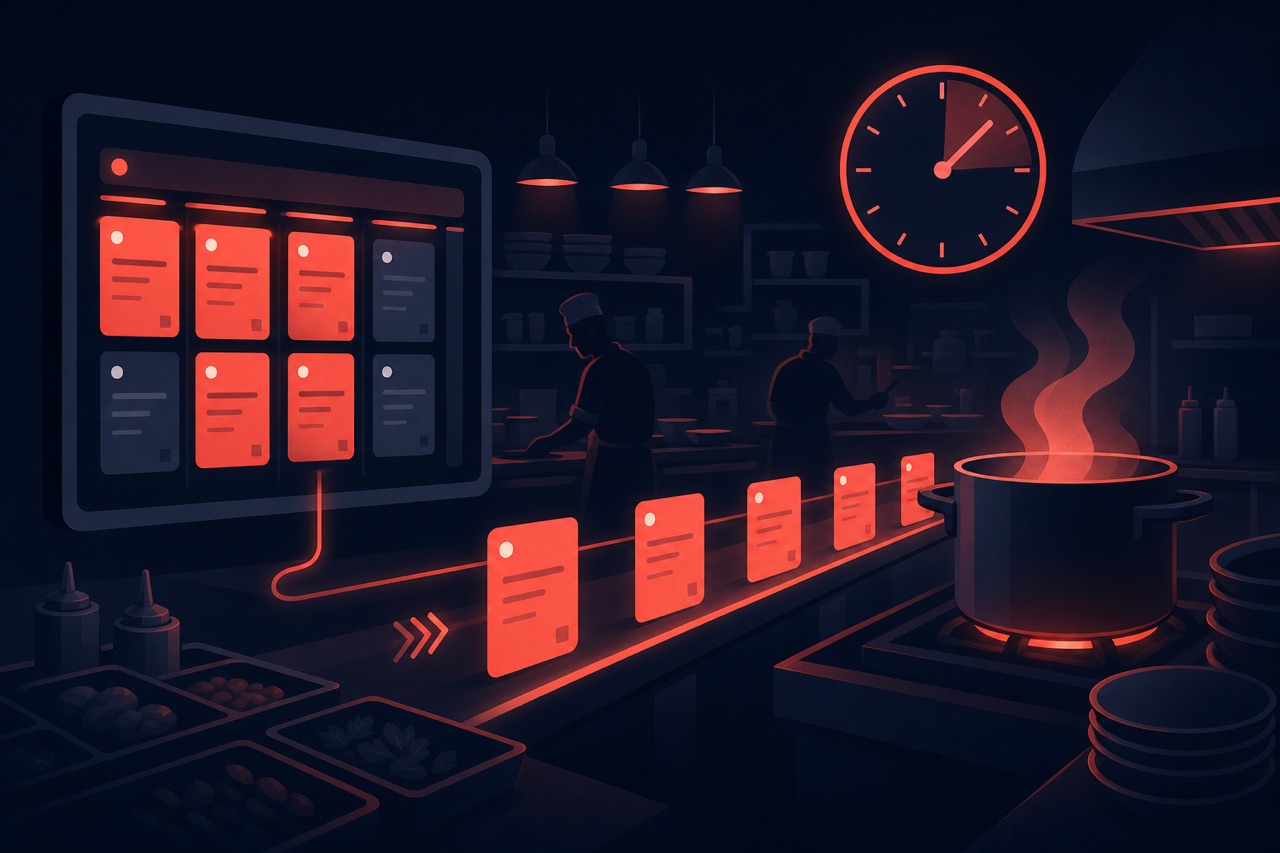
Peak-hour kitchen flow is the method of maintaining speed and accuracy by correctly sequencing the many orders that arrive during rush hours, making them visible on a kitchen display and dynamically managing preparation times. The goal is to minimize errors and delays even when orders pile up.
Definition
Peak (rush) hours are the time window when order volume strains kitchen capacity. In these moments, paper tickets and verbal relay quickly clog up; orders get mixed up, times lengthen and customer satisfaction drops.
A kitchen display (KDS) and a digital order flow automatically sequence orders and make the status visible. This way the team knows what to prepare first and no order is missed.
How does it work?
The typical setup that keeps the flow going during peak hours is as follows:
- Orders from all channels drop into a single queue on the kitchen display.
- Orders are automatically sequenced by arrival and preparation time.
- During heavy volume, preparation time is updated to keep customer expectations accurate.
- If necessary, a channel (e.g. new delivery orders) is temporarily slowed down.
- After the peak, time and delay data are analyzed and capacity is planned.
Benefits
A well-managed peak protects the moment that generates the most revenue.
Fewer missed orders
Thanks to the digital queue, no order is forgotten during heavy volume.
Consistent quality
Sequencing and visibility reduce errors made in haste.
Accurate expectations
Dynamic preparation time gives the customer a realistic timeframe.
Capacity insight
Peak data provides input for staffing and inventory planning.
Components of peak-hour kitchen flow
The building blocks that keep the kitchen running at peak hours:
Order queue and priority
Orders line up on the KDS and are prioritized by urgency.
Station routing
Automatically routing each item to the right prep station (cold/hot/pizza).
Prep-time target
Per-item prep time and a delay alert for orders exceeding the target.
Capacity limit
Slowing the order-acceptance rate at peak or offering time slots.
Channel unification
Gathering QR, online and marketplace orders into a single queue.
Bottleneck analysis
Finding the most-delayed station and hours via reports and taking action.
Related technical guides: kitchen display (KDS), restaurant operations management, delivery zone and courier optimization.
Best practices
In peak-hour flow:
- Use a single queue with a kitchen display instead of paper tickets.
- Update preparation time during heavy volume; don't leave it fixed.
- Separate stations by order type to distribute the bottleneck.
- If necessary, briefly slow down new channel orders at very busy moments.
- Reflect peak data in shift and preparation planning.
Related guides and solutions
Frequently asked questions
- What does a kitchen display solve during peak hours?
It sequences all orders in a single queue and makes them visible. This way the chaos of paper tickets and the problem of forgotten orders disappear.
- Why should preparation time be kept dynamic?
A fixed time isn't realistic during heavy volume. Updating the time gives the customer accurate expectations and reduces complaints.
- Is it necessary to restrict channels during peak hours?
Sometimes. When capacity is exceeded, briefly slowing down one channel is better than all orders being late. The decision should be made with data.
Summary
Peak-hour kitchen flow maintains speed and accuracy by sequencing orders in a single queue during peak hours, making them visible on a kitchen display and dynamically managing preparation time. When peak data is turned into capacity planning, the highest-revenue moment is secured.
Get started
Contact us about an online ordering solution for your business and start taking orders on your own channel with Yededoy.